Test and diagnose
Test an SRT receiver before the camera arrives.
Use the built-in signal in SRT USB CAM to send a known MPEG-TS stream. It is a quick way to confirm the receiver, UDP path, decoder, and matching SRT settings without first preparing a camera or audio source.
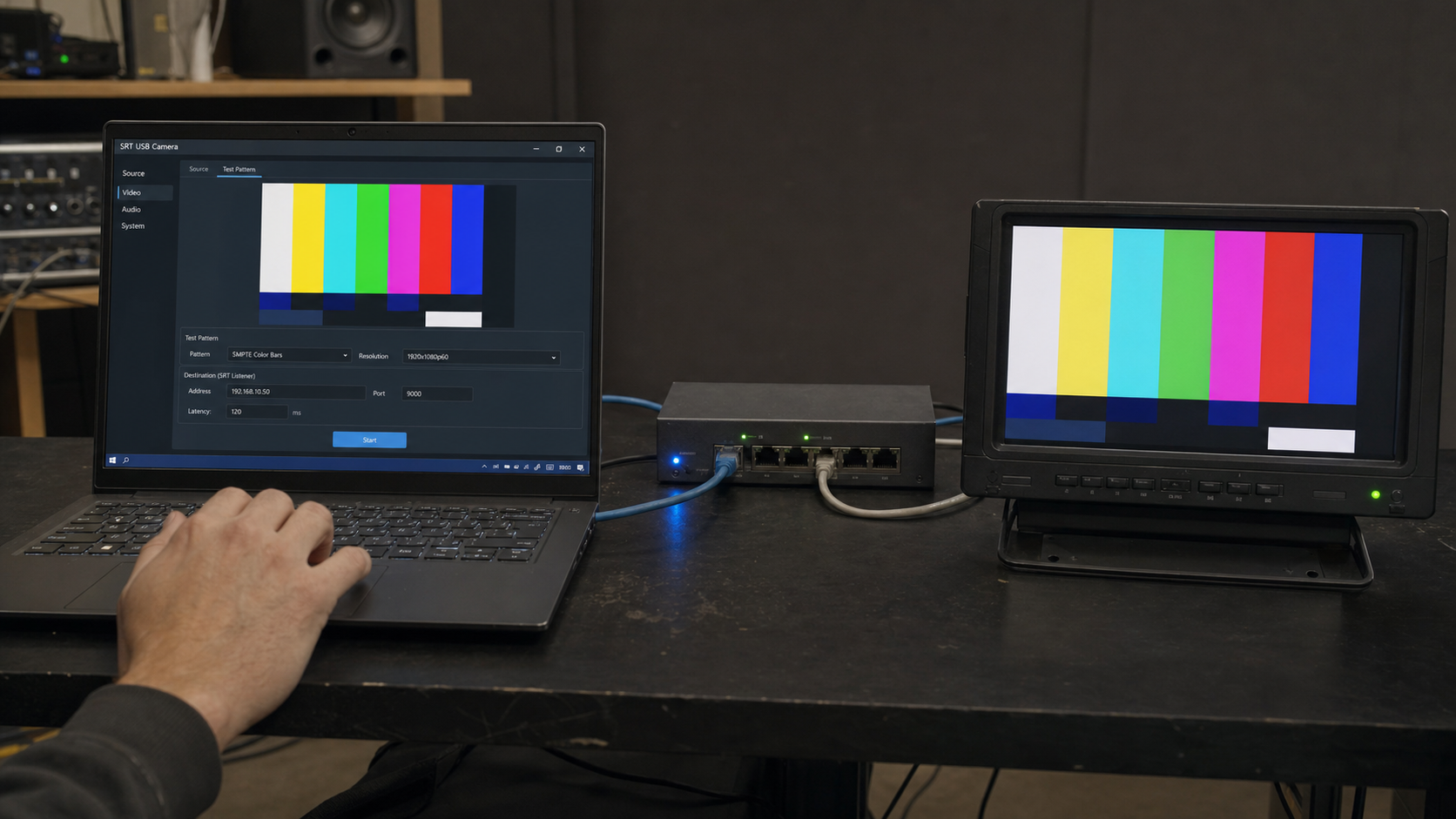
Before you start
What you need
- SRT USB CAM installed on a Windows PC.
- An SRT receiver configured in Listener mode.
- The receiver's reachable address, UDP port, and any matching Stream ID or encryption settings.
Signal path
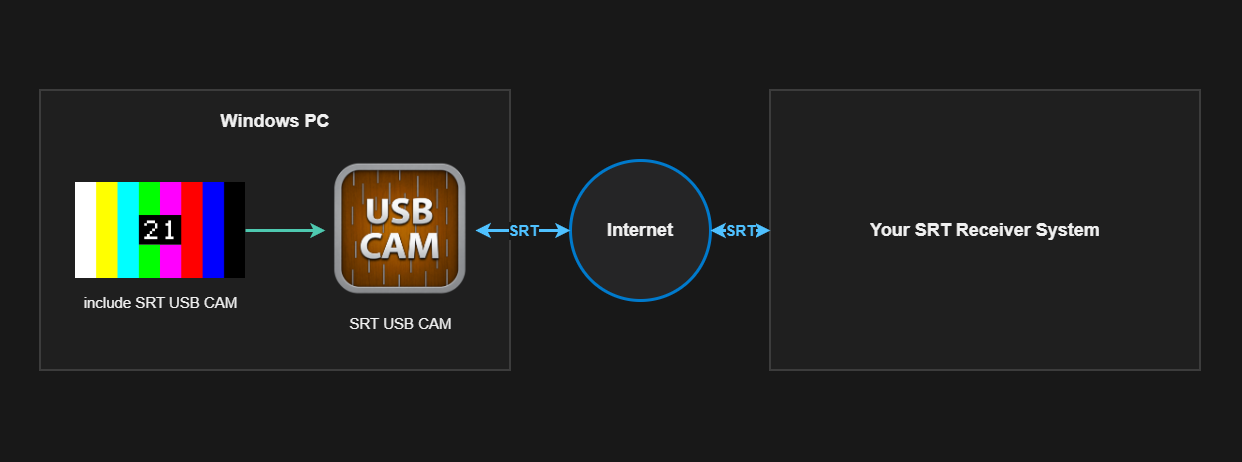
Setup
Use a repeatable source first.
- Start the receiving device in SRT Listener mode and note its reachable address and UDP port.
- In SRT USB CAM, select Test Signal as the camera source. Choose Color Bars or Noise, then select the required resolution and frame rate.
- Set SRT USB CAM to Caller mode and enter the receiver address and port. If the receiver uses a Stream ID or encryption, enter the identical values here.
- Start transmission. Check the receiver's picture and audio, then use SRT USB CAM's live statistics to confirm FPS, bitrate, packet count, reconnect count, and the latest error.
- After the path is confirmed, replace Test Signal with the USB camera and audio input intended for the actual feed.
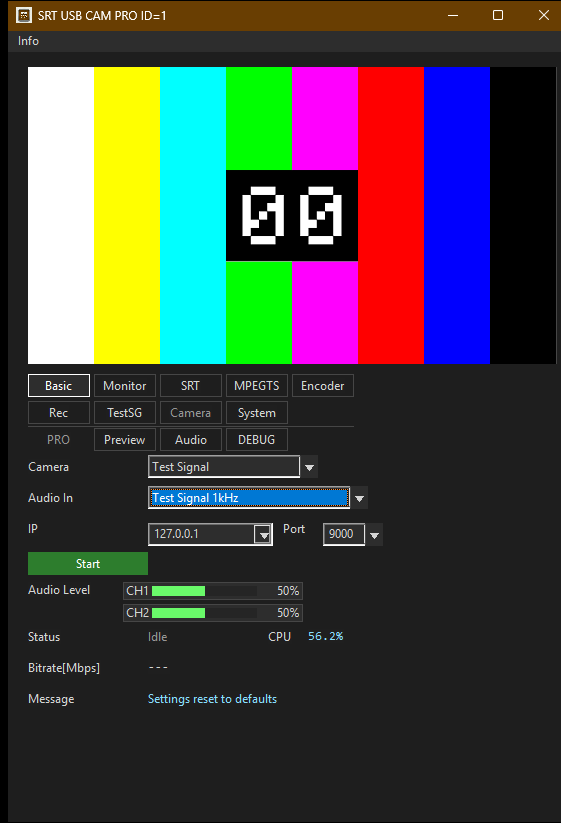
What to verify
A useful first-pass acceptance check.
- Connection: the receiver reports an active SRT connection.
- Video: the test pattern is decoded at the selected resolution and frame rate.
- Audio: enable the 1 kHz test audio when audio decoding or channel routing needs confirmation.
- Settings: Caller/Listener mode, port, Stream ID, passphrase, and key length match at both ends.
SRT USB CAM