Record
Record a received SRT stream to a TS file.
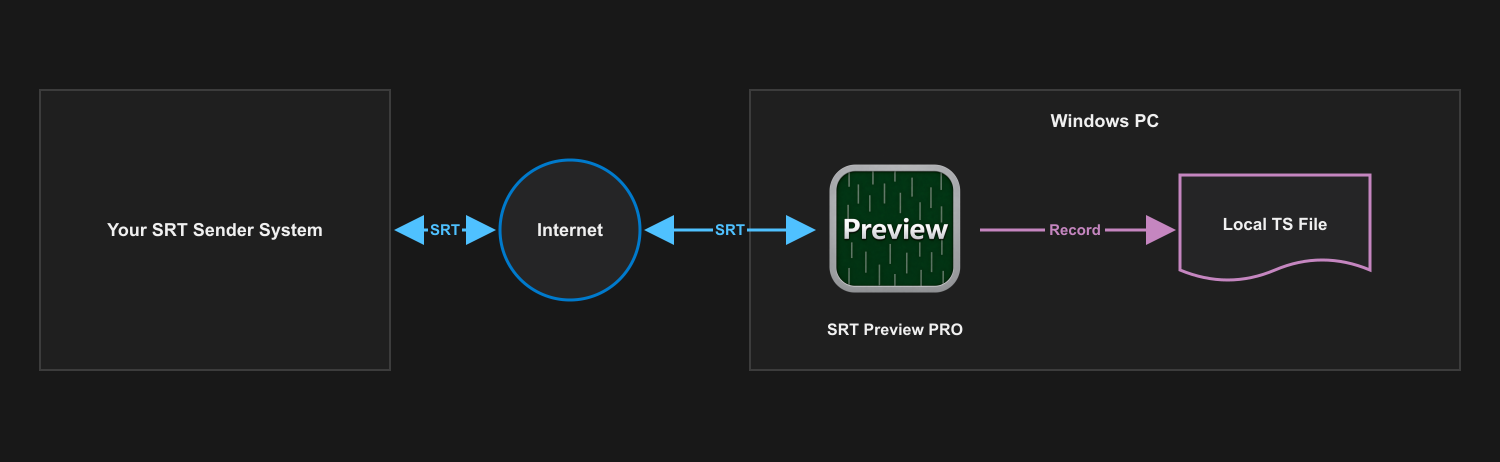
Use SRT Preview PRO to monitor a supported MPEG-TS feed and save the received transport stream locally while it is active.
Before you start
What you need
- SRT Preview PRO installed on a Windows PC.
- An incoming MPEG-TS stream containing supported H.264 video and optional AAC audio.
- A writable recording folder with sufficient free space for the expected duration and bitrate.
Signal path
Setup
Configure and verify one stage at a time.
- Configure SRT Preview PRO as Caller or Listener and establish the incoming connection.
- Confirm the video, audio, bitrate, packet counts, and dropped-data values before recording.
- Open the Rec tab and select the recording destination and date/time or custom file-name option.
- Start recording and continue monitoring the connection and available storage.
- Stop recording cleanly, then verify that the TS file can be opened by the intended playback or processing tool.
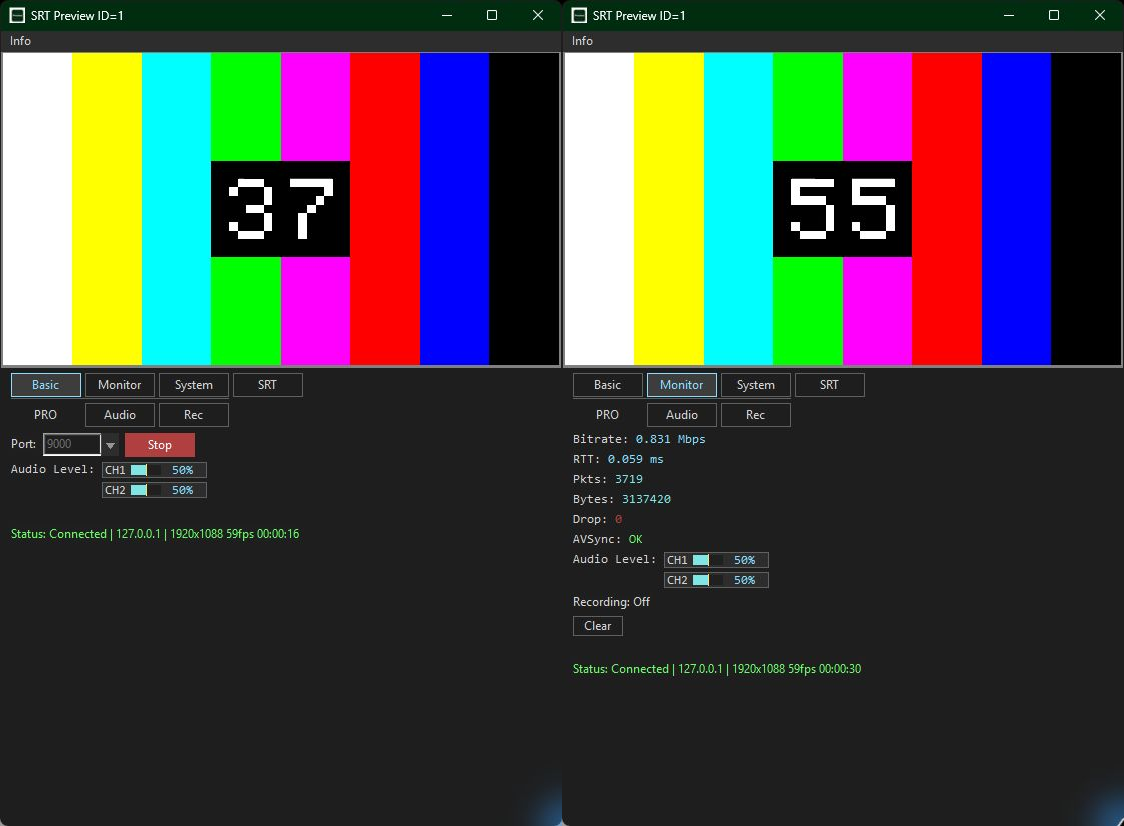
What to verify
Check the result before relying on the path.
- Edition: recording is available in SRT Preview PRO, not the Free edition.
- Input: the connected stream is supported MPEG-TS with H.264 video and optional AAC audio.
- Storage: the destination remains writable and has capacity for the full recording.
- Result: the completed TS file opens and contains the expected duration, video, and audio.
SRT Preview PRO